
ThumbnailPilot 3.7
We've added a Nano Banana Pro model to our thumbnail generation and editor tool. This model offers faster generation times while maintaining high quality and realism.
It also costs fewer credits compared to other models
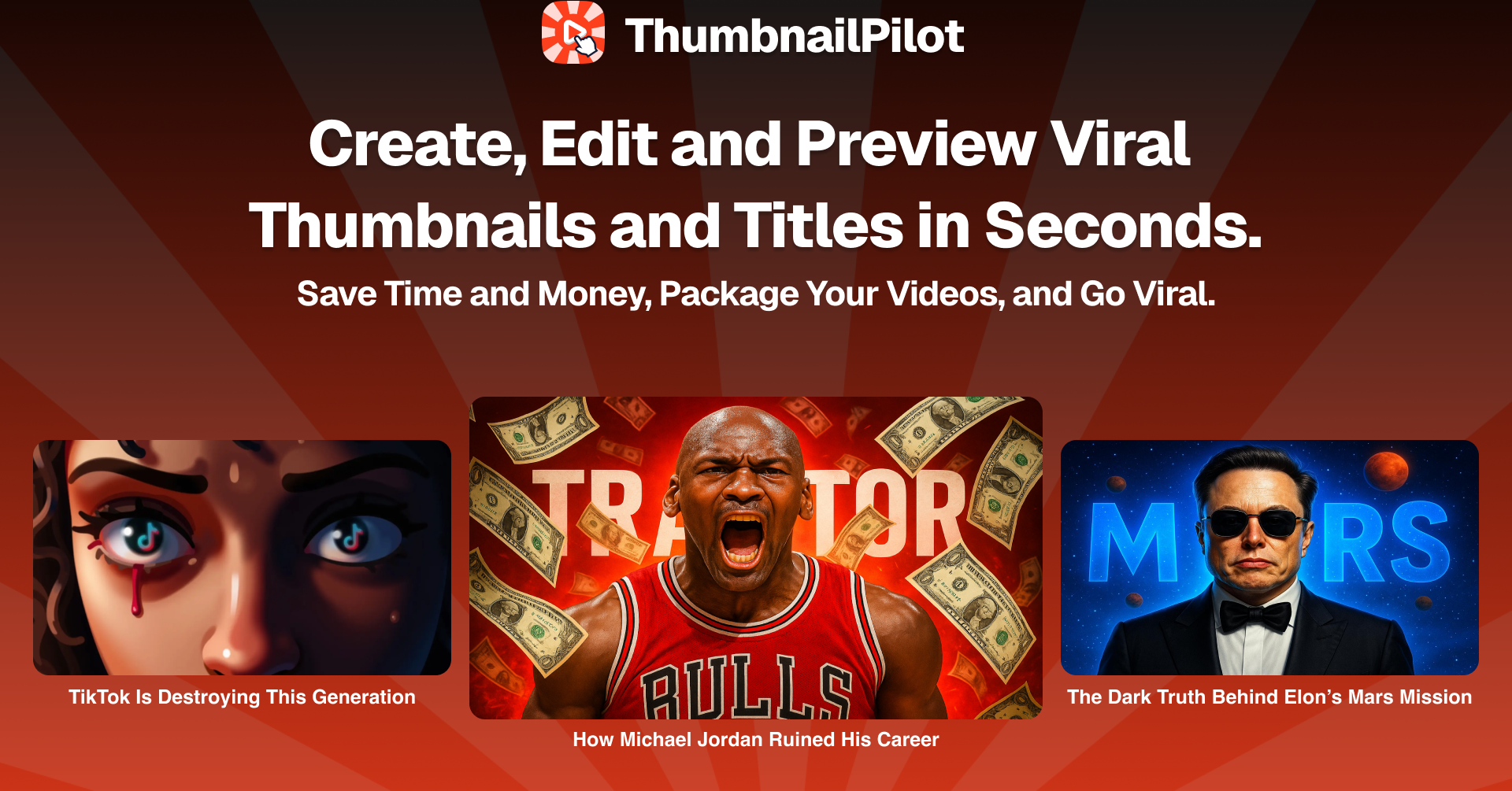
Here are some examples of thumbnails we were able to generate. Quality is mindblowing
ThumbnailPilot 3.6 - Face Swap and Image Enhancer
Hey! We shipped two new tools in ThumbnailPilot to help you make thumbnails that stand out faster.
Face Swap 🎭Swap your face in seconds on any thumbnail. Upload or import a thumbnail from YouTube, Channel, or Asset Library, Create Your Face Persona, and get a thumbnail with a swapped face in seconds.
You can find the face swap tool in Thumbnail Studio.
Check out this example:
Image Enhancer ✨Make blurry or compressed images look sharp, vibrant, and more detailed with one click. Choose between 2 enhancer models.
You can find the enhancer tool in All Tools dropdown or page.
We hope you'll love these updates. Looking forward to seeing what you will create 👀
Try the updated ThumbnailPilot now → ThumbnailPilot
ThumbnailPilot 3.5 - Image Editor, New Design and more...
Hey!
Today we're excited to announce: ThumbnailPilot 3.5 ✨
This update brings a full thumbnail and title studio redesign, AI image editor, title session follow ups, activity notifications, and core improvements.
We worked really hard to make ThumbnailPilot as easy to use as possible while allowing customization.
With this update, we improved the quality of generated thumbnails by a lot. Faces have now 99% resemblance and look exactly like you! You can also now easily import assets from various sources or use recently uploaded ones!
Furthermore, after each thumbnail generation, you can easily create titles or edit thumbnail in 2 clicks. This makes your creative workflow more streamlined and saves a lot of time.
More features are coming soon, this is just the beginning.
Try Updated ThumbnailPilot now → ThumbnailPilot
ThumbnailPilot 3.0 – Massive Redesign, New Studio & Title Tool.
Hey!
Today we're excited to announce: ThumbnailPilot 3.0 ✨
This update brings a full app redesign, new titles tool, dashboard, and core improvements.
We worked really hard to make Thumbnail Studio as easy to use as possible while allowing customization.
With this update, we improved how presets (styles and subjects) work. You can now build faster with more powerful tools and better control over your generations.
We also introduced a brand-new Titles Tool, which allows you to generate titles for your videos.
The dashboard got a full revamp too. It’s now easier to organize your projects, track progress, and jump right back in where you left off.
ThumbnailPilot 3.0 is faster, simpler, and built to help you create better thumbnails and titles with less effort.
More features are coming soon—this is just the beginning.
Try ThumbnailPilot Studio now → ThumbnailPilot
Introducing ThumbnailPilot 2.0 ✨
We're excited to announce: ThumbnailPilot 2.0 ✨
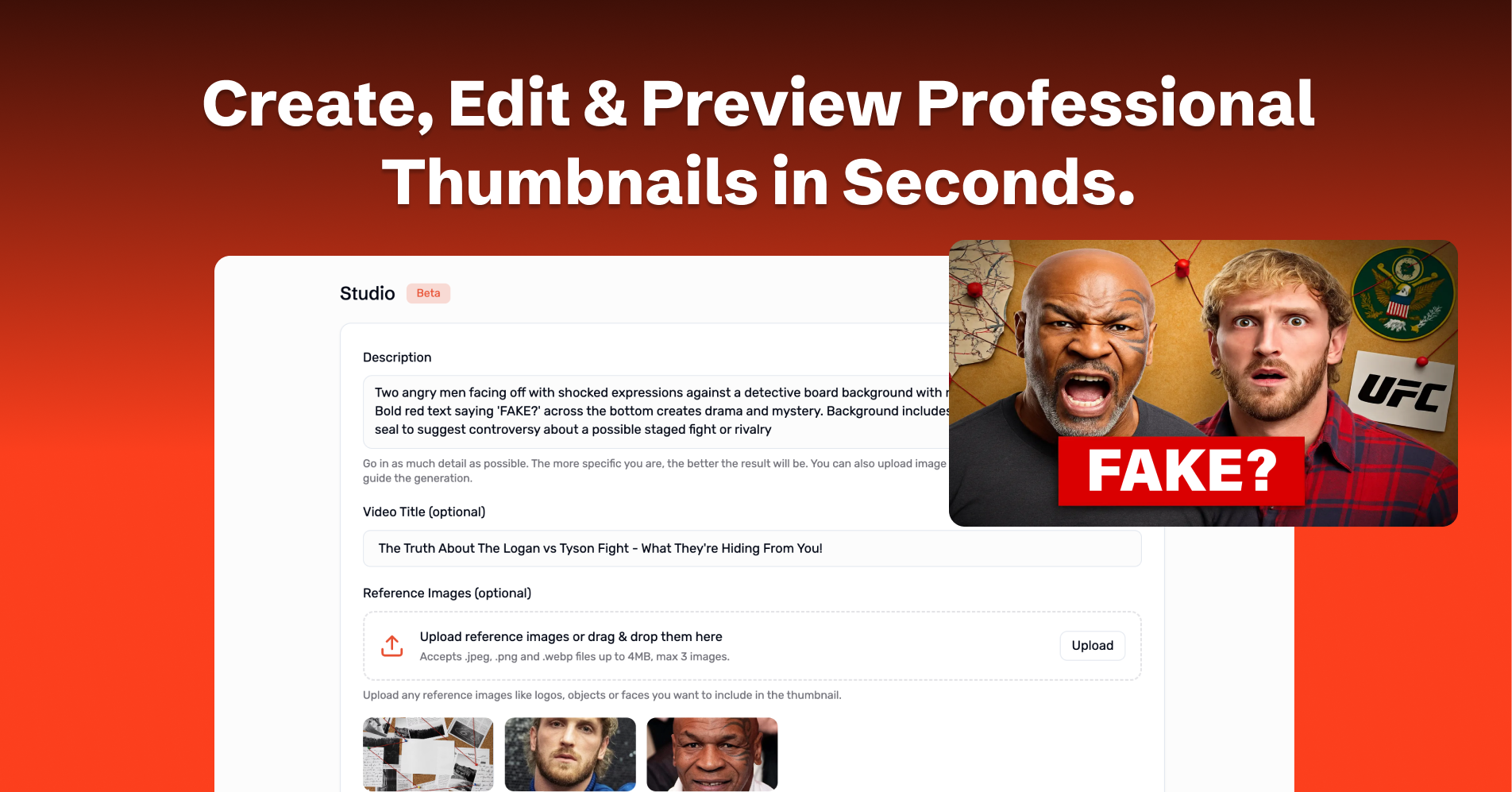
In this new version, we're adding a massive feature: ThumbnailPilot Studio - The AI Thumbnail Generator.
Generate Viral thumbnails in Thumbnail Studio in Seconds!
It's really simple:
-
Describe your thumbnail
-
Upload reference images OR sketch your thumbnail in the app
-
Click Generate and get a viral thumbnail in a few seconds
-
Download and publish to YouTube
We put a lot of work into this release, and we are excited to see how you use ThumbnailPilot Studio to create stunning thumbnails for your YouTube videos.
Our goal is to create the simplest and most powerful thumbnail platform out there.
We have many more features and ideas in the pipeline, and we can't wait to share them with you. Stay tuned for more updates!
Now go ahead and try ThumbnailPilot Studio for yourself! We can't wait to see what you create.
Check it out here: ThumbnailPilot